Application Info
For Downloading is a focused download manager designed for trusted distribution. It emphasizes signed releases and local checksum verification.
Stable Release
A premium download manager built to deliver signed installers, clear verification, and safe installer guidance across Windows, macOS, and Linux.
For Downloading is a focused download manager designed for trusted distribution. It emphasizes signed releases and local checksum verification.
Free, open-source, high-quality YouTube downloads for study, offline access, and sharing.
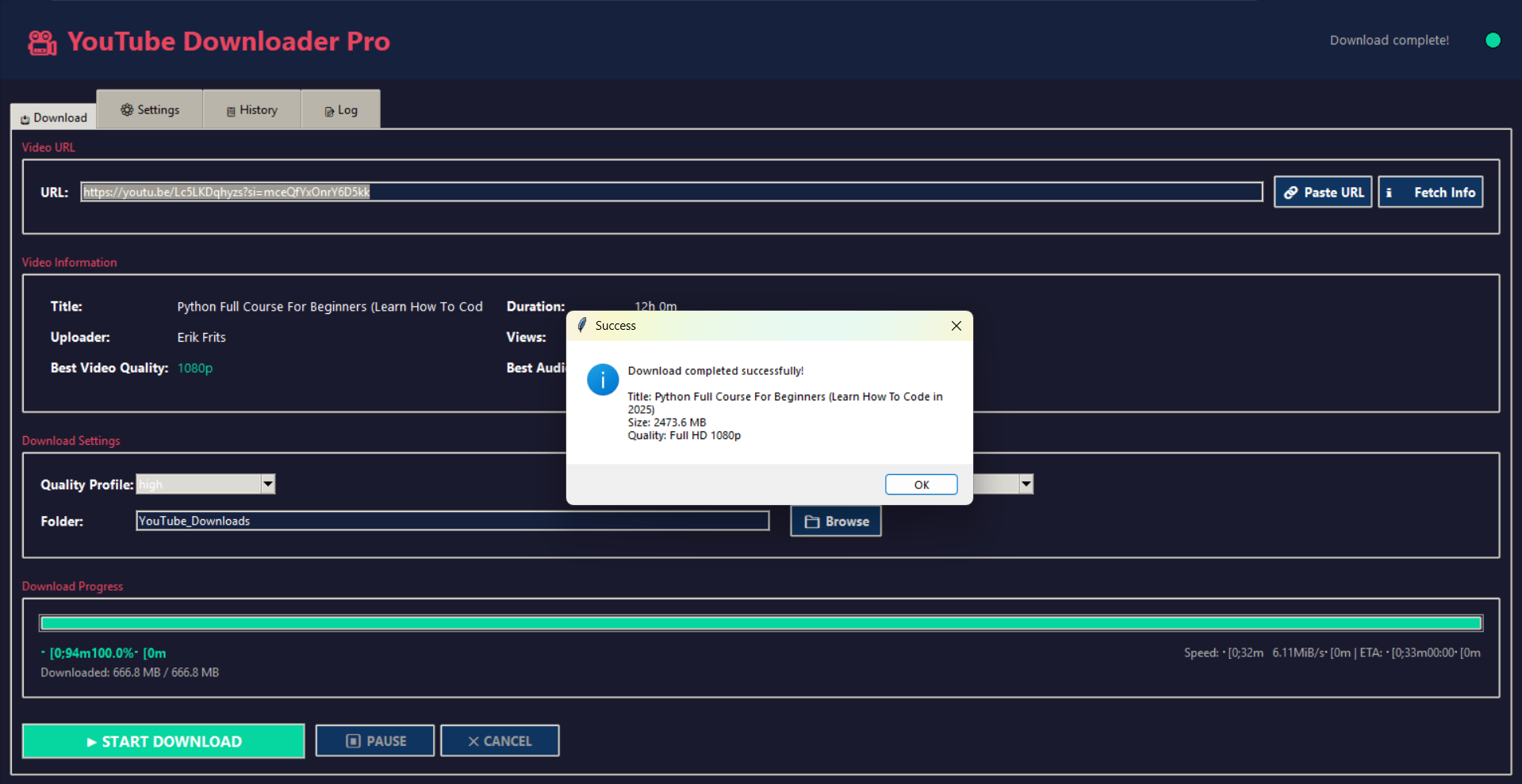
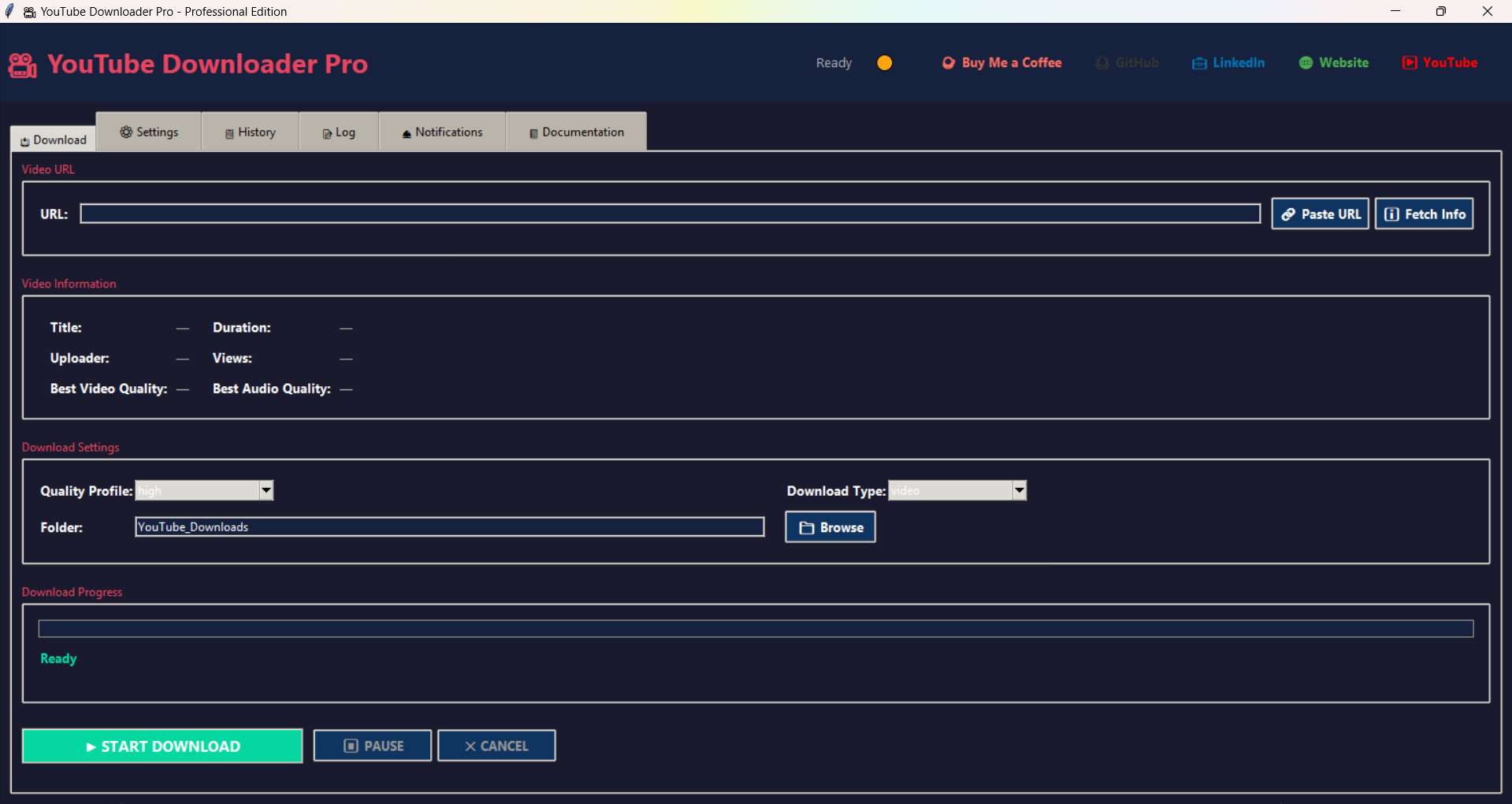
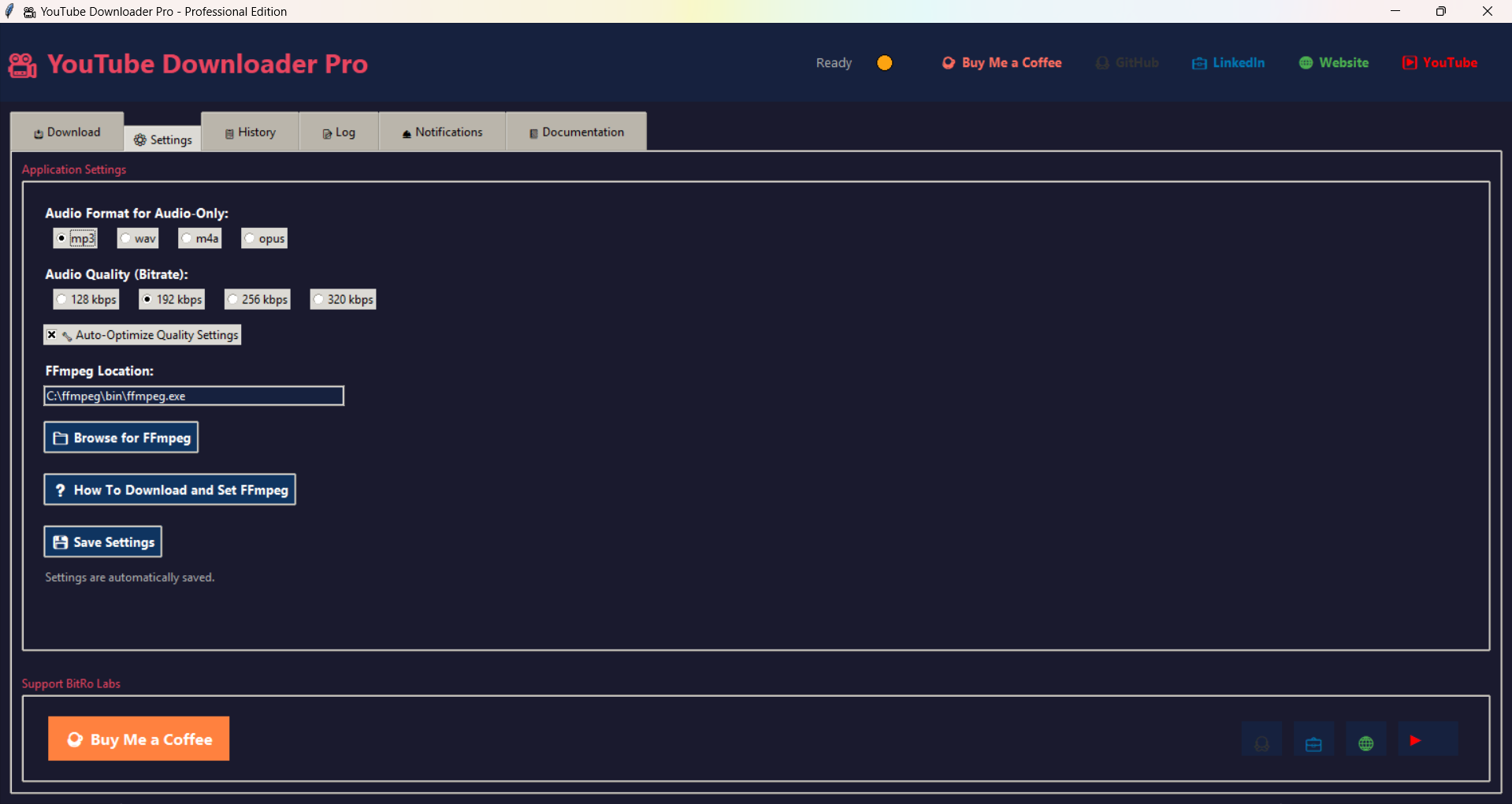
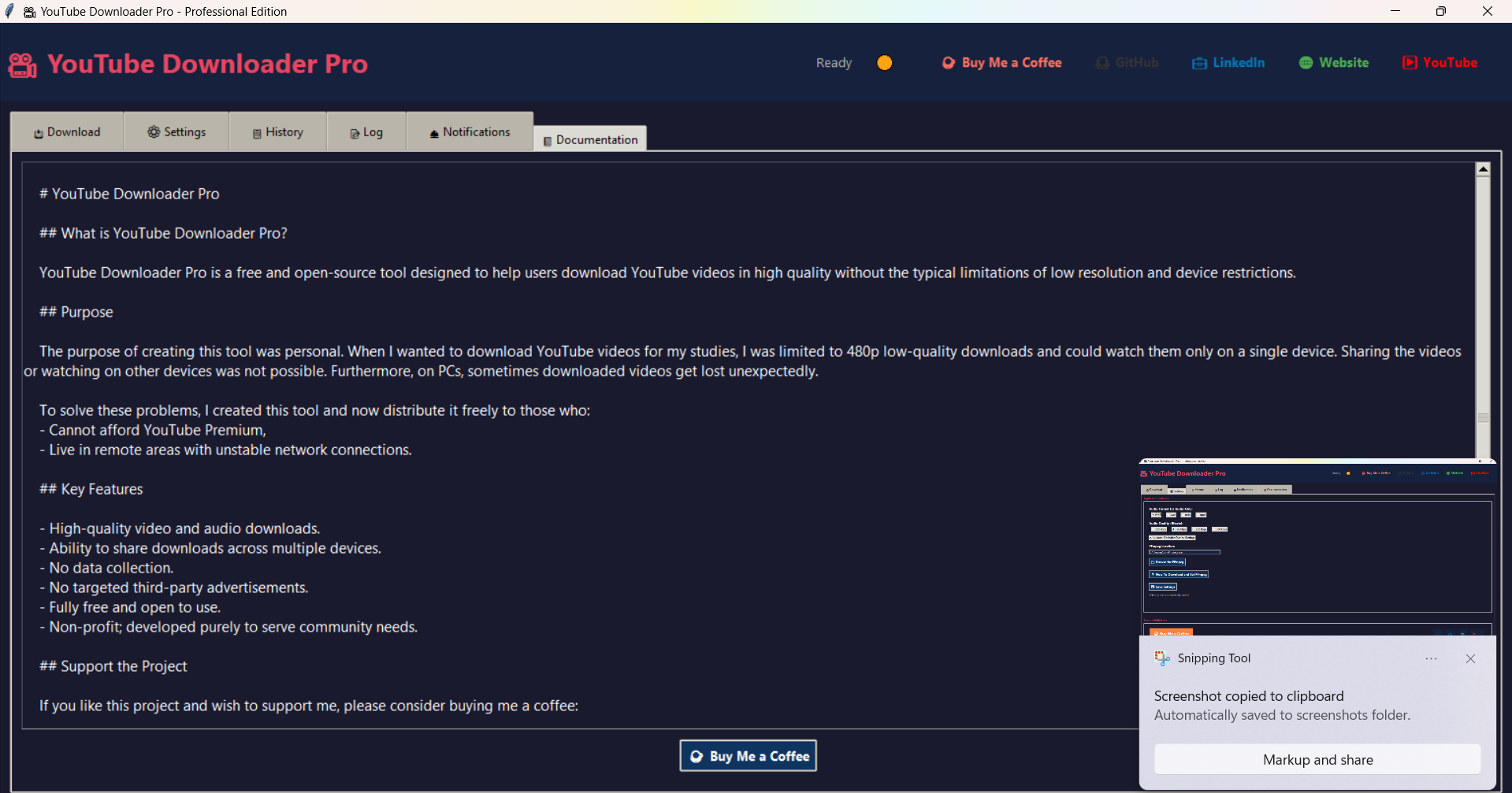
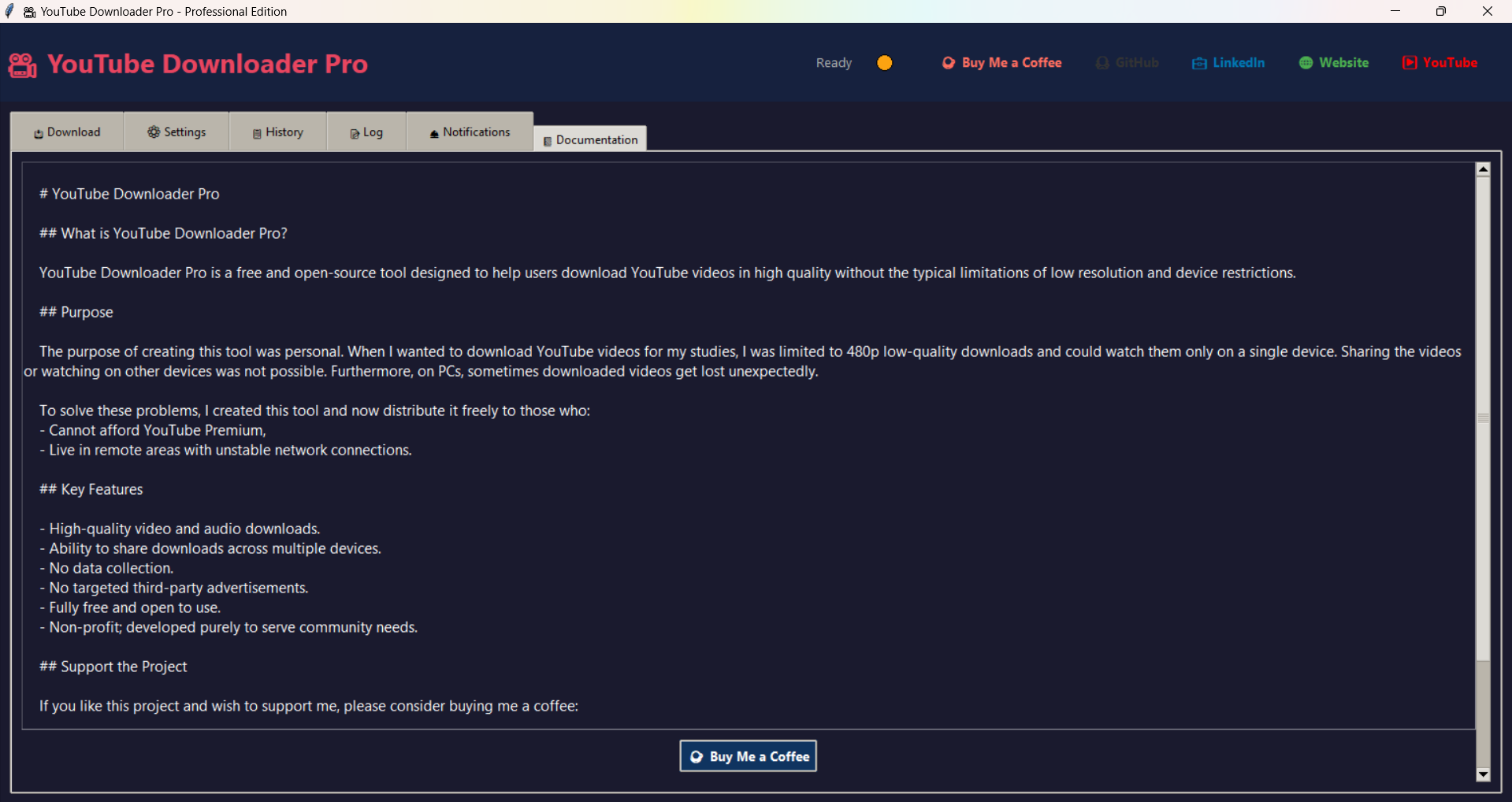
YouTube Downloader Pro is a free and open-source tool designed to help users download YouTube videos in high quality without the typical limitations of low resolution and device restrictions.
The tool began as a personal solution. When downloading videos for study, I was limited to low-resolution files and single-device use. Videos could not be reliably shared or preserved across devices, and on some PCs downloads would disappear unexpectedly.
To solve these problems I created this project and now distribute it freely for people who:
If you find this project useful and want to support ongoing work, consider buying a coffee:
© YouTube Downloader Pro. This project is free and open-source. Check the repository for license details and contribution guidelines.

For high-res assets and animated previews see the documentation or marketing folder.
Developer statement: We do not collect, store, or share any personal data or related user data through YouTube Downloader Pro. The application is designed to operate locally on your device and to respect user privacy by default.
Any feature that could transmit data off-device (for example, optional crash reports, cloud sync, or anonymous usage metrics) will be explicitly labeled, disabled by default, and require clear, opt-in consent from the user before activation.
The application does not integrate third-party analytics or advertising SDKs by default. If third-party services are added in future builds, they will be documented in release notes and disabled unless you opt in.
Local files and caches are stored according to the platform’s standard file locations. The app does not transmit stored files or caches to the developer. You may delete downloaded files and caches at any time using the app’s settings or your file manager.
For transparency or verification requests, contact the developer with details of your query. Release notes and source code are published in the project repository so users and auditors can inspect the code and confirm privacy claims.
Declared by: Project Developer — BitRo Labs. Last updated: 2025.